Japanese Flashcards, Simplified
Learn the Japanese
you actually see.
AI does the typing.
Snap any sign, menu, or page. Fuka turns it into ready-to-study flashcards — readings, meanings, and examples included.
-
Free to study
All core features — forever.
-
Upgrade only for AI
Unlock AI auto-populate when you want it.

北海道
Tap to flip
Take a photo.
Select the words.
Snap any book, sign, or text. Fuka detects Japanese words instantly so you can pick what you want to learn.
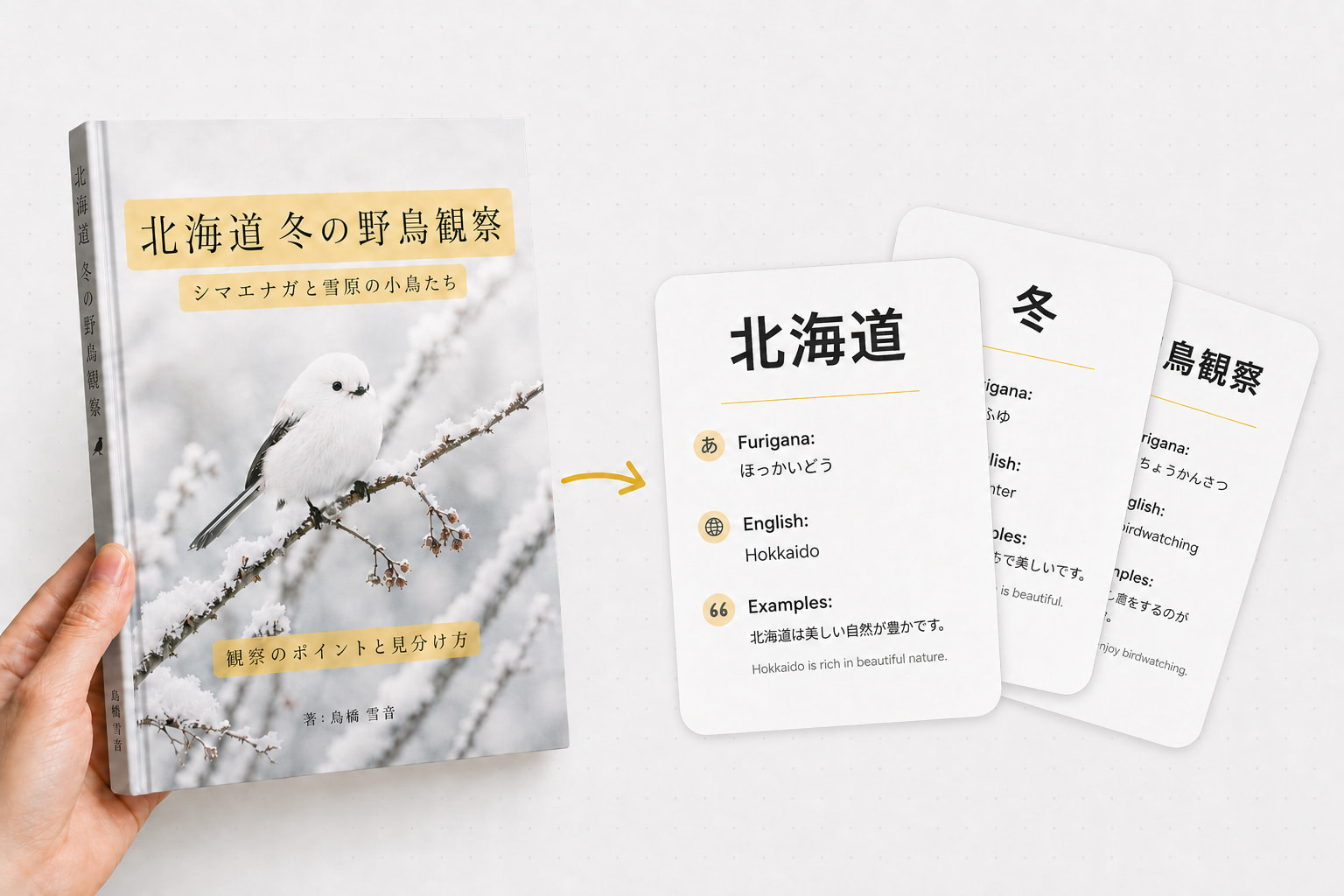
AI fills it in.
You learn faster.
Add a word and let AI auto-populate kanji, reading, meaning, and an example sentence in seconds.
Simple studying
that sticks.
Study on sentences, not isolated words.
Swipe right if you know it, left if you need more practice.
Tap to flip the card and reveal the answer.
Look up words in Jisho with one tap.
冬は雪が降ることが多い。
Tap to flip
野鳥観察は静かな趣味です。
Tap to flip
北海道は冬にとても寒くなります。
Tap to flip
FREE FOR STUDY. UPGRADE ONLY FOR AI.
Free
$0
- ✓Swipe flashcards
- ✓Create cards manually
- ✓Photo word detection
Uses Sign in with Apple — same account as the iOS app.
Power
$2.99
✦ AI auto-populate
AI fills in kanji, reading, meaning, and example sentences.
Cancel anytime · Secure checkout by Stripe
FAQ
Do I need an account to use Fuka?
No. Core flashcard study, swipe review, and manual card creation are all free with no account required. An account is only needed for AI features.
What does the Power plan include?
Power unlocks AI auto-populate — snap a word and Fuka fills in kanji, furigana, English meaning, and an example sentence automatically. $2.99/month, cancel anytime.
How does the photo word detection work?
Fuka uses on-device OCR (Apple Vision) to detect Japanese characters in photos. It works offline — no internet needed for detection, only for AI generation.
What is the swipe review system?
Swipe right if you know a card — it moves on. Swipe left to practice it again. Tap to flip and see the answer. A lightweight spaced repetition approach built for speed.